Programming with AI: Putting Copilot to the Test
 Admin
I decided to test just how capable AI really is when it comes to programming.
To start off, I gave the free version of Copilot a shot.
> Build a Tetris-like game
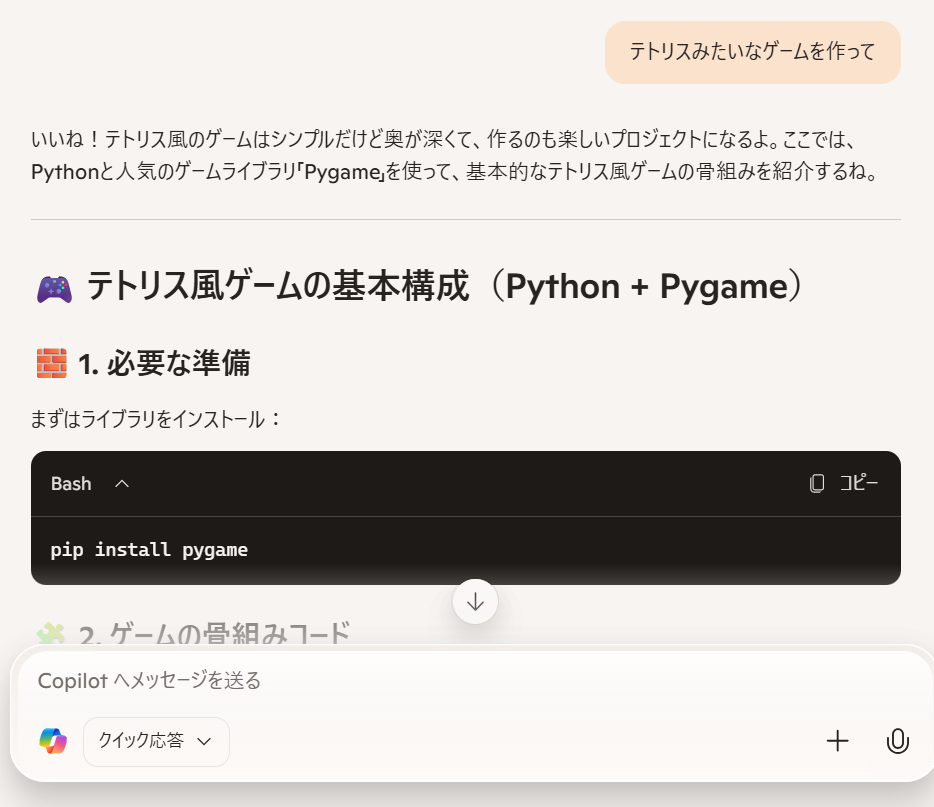
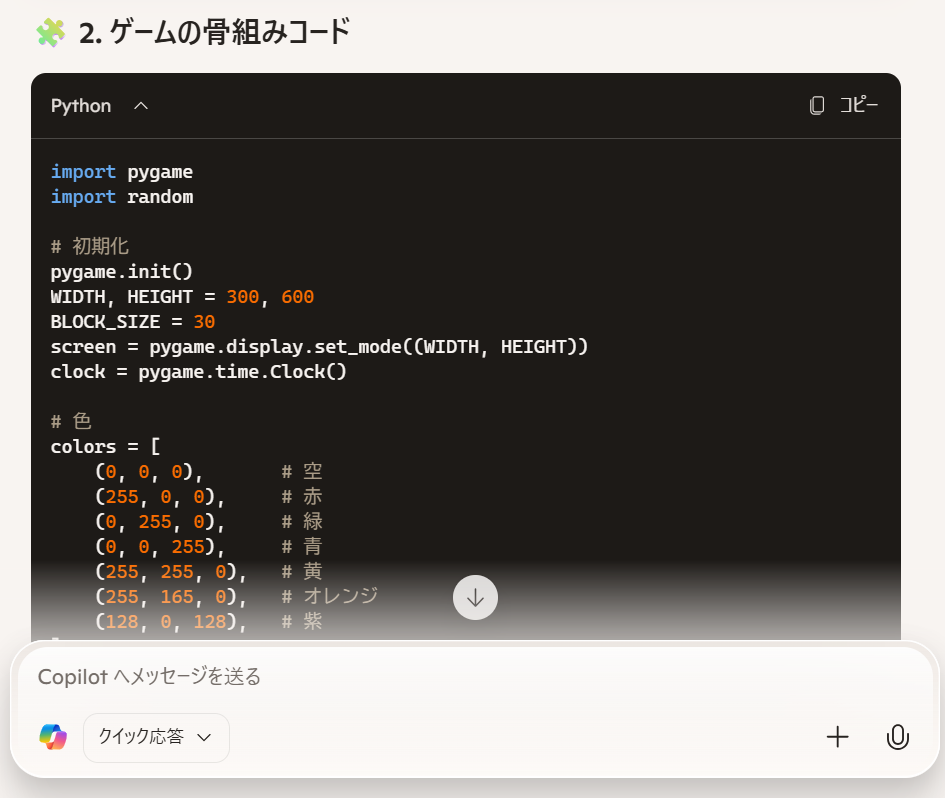
Could it really be that simple? Boom—Python code returned. Pretty amazing.
It turns out you can do this using Python and a library called Pygame. Since my Windows machine didn't have a compiler or dev environment set up, I casually typed "python" into the console... and it popped straight open to the Microsoft Store. Things sure have become convenient.
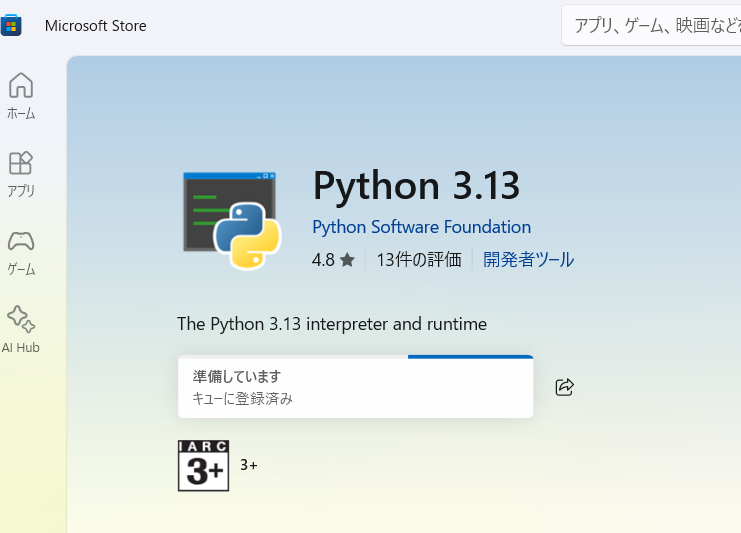
I went ahead and installed it...
Since it had been a while since I booted Windows, a mountain of updates kicked in, and the installation took quite some time.
Pygame is apparently a game development library for Python.
Following the instructions, I entered "pip install pygame", and Pygame was installed...
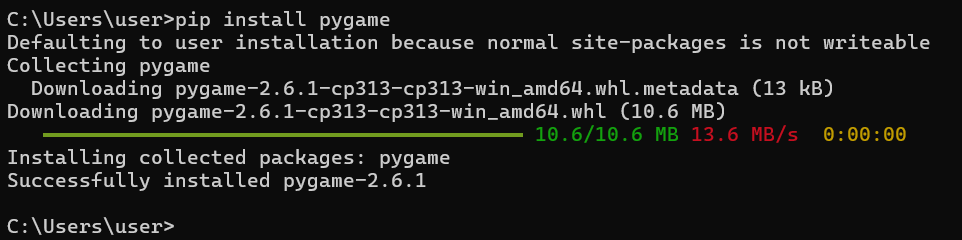

Whoa, it ran on the very first try without a single bug. Impressive! Who even needs programmers anymore? But then...
Unlike when I gave it a quick test at work before, it didn't generate the entire code to the end. I'm testing the free tier right now. Maybe it's a different AI model? At work, we use Microsoft 365 Copilot for enterprise, so maybe the paid version performed better?


Hmm, installing Python and getting it to run is great, but what next? If I ask it to build a web version, it'll probably need HTML and everything, and switching environments feels like a hassle. I'd love to try Unity, but downloading libraries and configuring it... maybe next time. Since I want to keep it simple, let's just stick to Python and have it add more features.
My next prompt was: "Actually, let's stick with Python and add features. Implement the top 5 features from your suggestions."
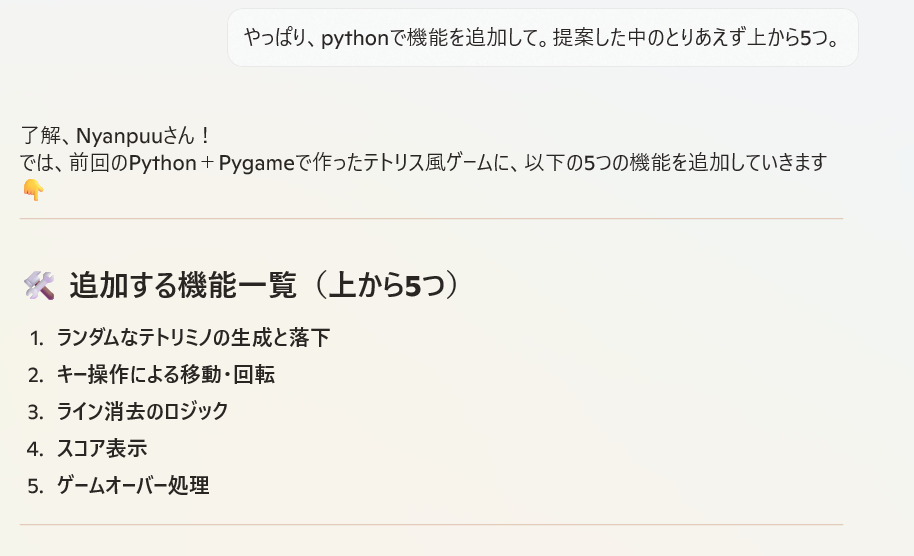
And it built them. Incredible. Honestly, it's 100 times more competent than that self-proclaimed coding wizard rookie who joined us last year. The main function got a little messy—which almost felt human—but I'm sure it would clean that right up if asked to refactor.
Before doing that, though: the last time I made one, it had some object-oriented structure, whereas this code is completely different. Let's have it restructure the code with an object-oriented design first.
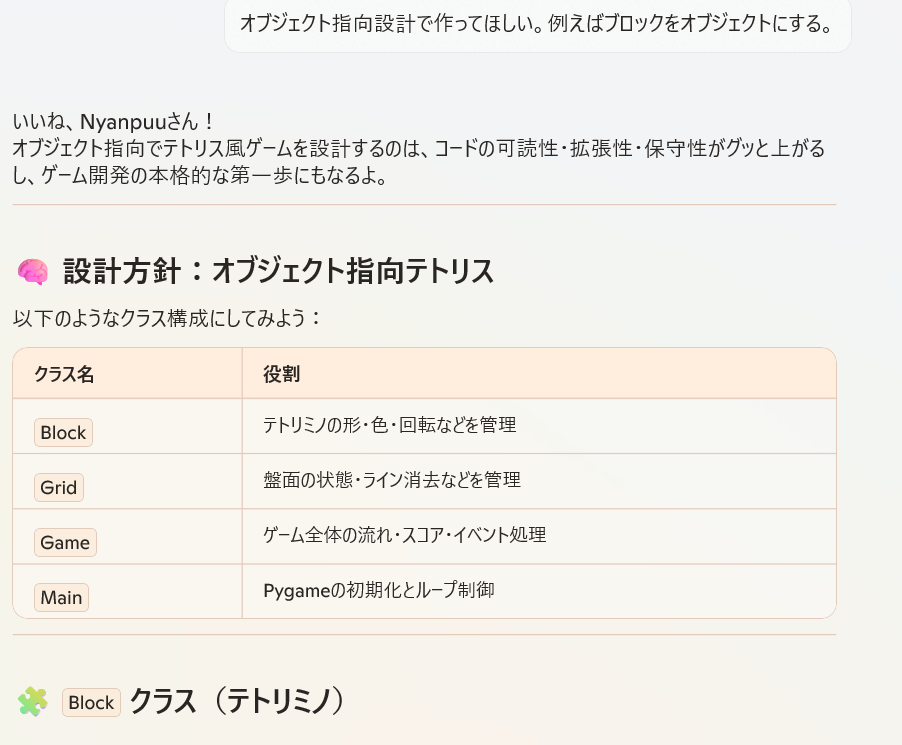
This is awesome.
After this step, it split the classes into multiple files... but I'm not familiar with multi-file setups in Python. Sure, I could just ask it how, but I honestly don't know Python. C++ and Java, on the other hand, I know inside and out—I'm an absolute expert when it comes to OOP design and C++ implementation.
> Please combine everything into a single file
And just like before, I could easily run it with >python tetris3.py without any friction.
When an error popped up, I asked for help by pasting the error code, and it immediately explained the issue. It really feels like pair programming. Turns out, I had just copied too quickly and didn't paste all the code... Fixed that, and it worked like a charm.
> Make holding down the down key trigger continuous movement.
It provided both the modified code snippet and the full updated script. It truly gets my preferences.
Finally, I asked it to create a web version. It packaged the web version into a single file as well, so it wasn't a hassle after all.
Now, how should I publish this on WordPress?
I'll post the code on a separate page.
Copy the code above and save it with the filename tetris.py.
For Windows users, just install Python from the Microsoft Store.
Linux users already know the drill: >sudo apt-get install python (or python3). Chances are you already have it installed anyway.
Then, whether you're on Windows or Linux, simply run pip install pygame,
and run the code:
>python tetris.py