AI Programming: Building a Game Part 2
 Admin
Today, I'm working on Ubuntu/Linux. While both Copilot and Gemini have dedicated apps, you can easily use them right in your web browser by searching and logging in.
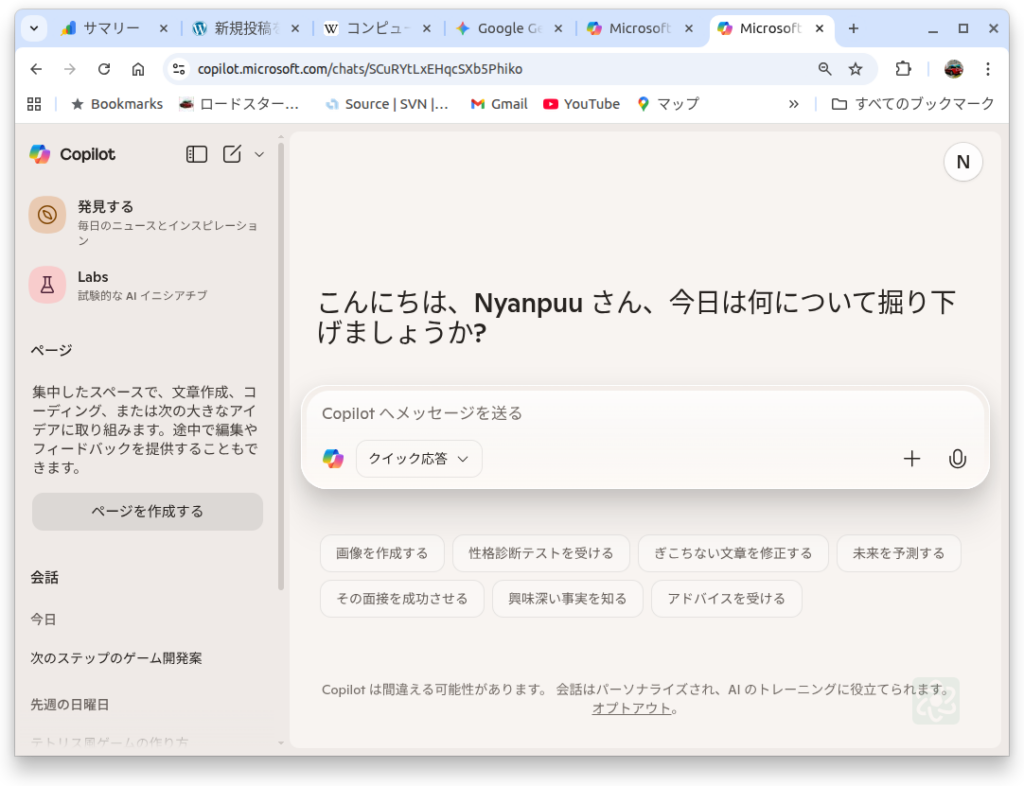
After raising the complexity level a bit and explaining what I wanted to build, it suggested making a Breakout-style game.
Trying it out—Python is awesome!
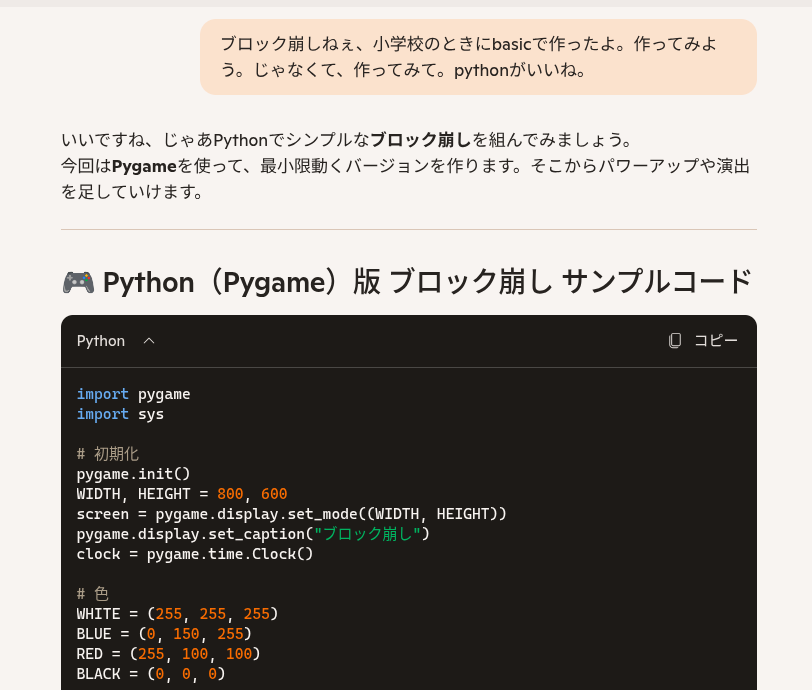
It wrote the whole thing on the first try: rendering the blocks, a moving ball, a paddle controlled by the cursor to bounce the ball, and breakable bricks.
All that's left now is adding a score system, a game-clear condition, and a restart option after a game over.
It mentioned this was for learning purposes, but when you can get something like this working on the first try, you honestly lose all motivation to understand the underlying code.
The Next Prompt
"Please allow up to 3 misses. Also, instead of quitting the program on game over, let the player restart by pressing the spacebar."
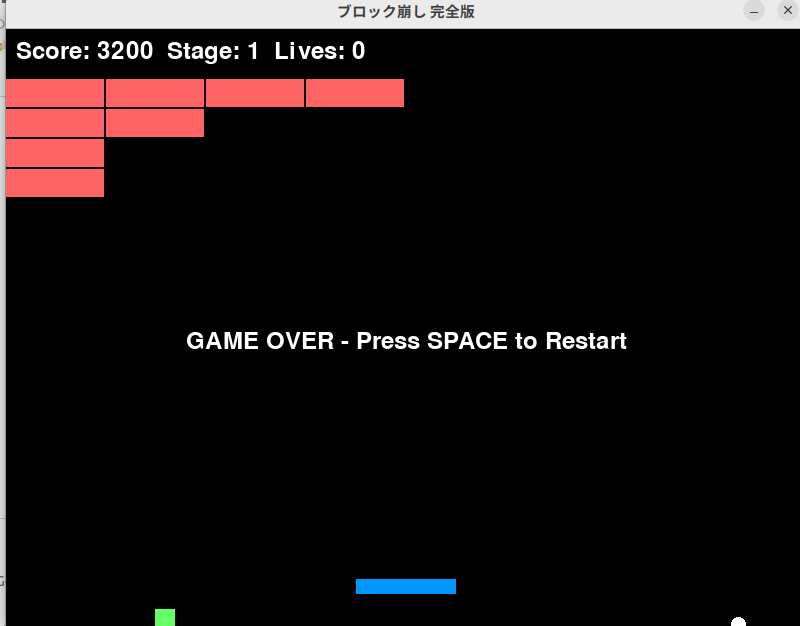
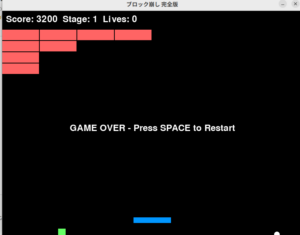
Absolute perfection.
Next Prompt: Refactoring 1 - OOD
The code is getting longer. Since we have distinct objects like blocks, the ball, and the paddle, please refactor the code using Object-Oriented Design.
Next Prompt: Refactoring 2 - Detailed Instructions
The run function seems to be the main routine, so please put it at the very bottom and add comments to the logic inside it. Also, the update function is doing way too much, so please break it down into separate functions based on the commented blocks.
Copilot's Suggestion and the Next Prompt
[Copilot]
"With this structure, adding things likeenemy charactersorspecial blockswill be as simple as adding a new function. Next, we can addsound effects and BGMto this OOP version to give it a more authentic arcade feel. Shall we do that?"
[Prompt]
> Make the blocks containing power-ups a different color. Create a block that spawns two balls when destroyed. Go ahead and add some fitting sound effects and BGM.
> The code got cut off, so please output the entire thing again.
> It keeps cutting off. Is there a character limit per response? Please show the code starting from run().
Apparently there's a character limit per message = a code length limit.
A new fact discovered. Is this because I'm using the free version?
Is around 200 lines (including comments) the absolute limit?
I guess I need to plan carefully and keep individual files compact. That sounds better, though. How do I split classes into separate files? Since I don't know Python, I'll have to start from there.
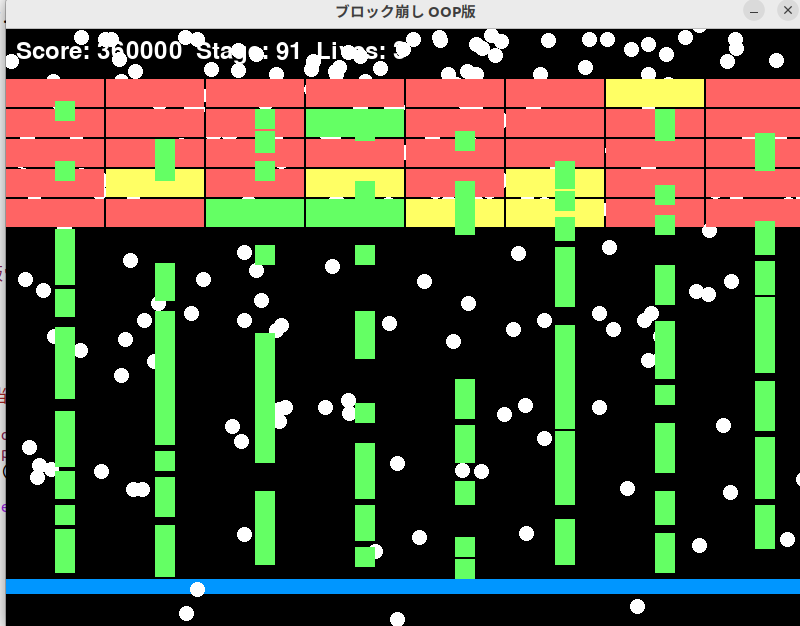
As soon as I set it up to add more balls... breaking a single block started spawning an infinite number of them.
Things are getting chaotic.
The Next Prompt
[Prompt]
There's a bug where balls multiply way more than expected under the multi-ball condition. If I let it run, the number of balls increases infinitely. Please cap the maximum number of balls on screen at 10.
[Copilot]
Understood. The runaway duplication is mainly caused by "unlimited multi-ball spawning," so I'll set a limit on the number of balls on screen. The implementation is simple: we'll only add new balls up to the remaining slot limit.
Summary of Changes
- Capped the maximum number of balls at 10 (MAX_BALLS).
- Added safeguards to prevent exceeding the limit during multi-ball generation.
- Slightly varied the initial velocity vectors of the two spawned balls to reduce overlapping.
As a result, ball splitting stopped working entirely.
Turns out the infinite ball duplication was caused by an indentation error during copy-pasting. Apparently, Python uses exact indentation positions to define blocks of code. Tricky! That's bound to cause bugs.
And sometimes things still break while running. It's probably due to poor collision detection, causing balls to hit blocks repeatedly. Maybe the blocks take too long to disappear? To fix this easily... I just lowered the ball limit to 3.
And we're done. Took about 1 to 2 hours. AI programming is incredible.
I'll share the source code on a separate page. Right here ↓
Writing Game Code with AI: Part 2
This is based on the original article. The code from the very end of that article is posted here. You can save this code into a text file as a ".py" file, inst…