Steam Version Monster Hunter Wilds Demo & Switch 2 Optimization?! GTX 1660 Ti Handles 'High' Preset Smoothly!
 Admin
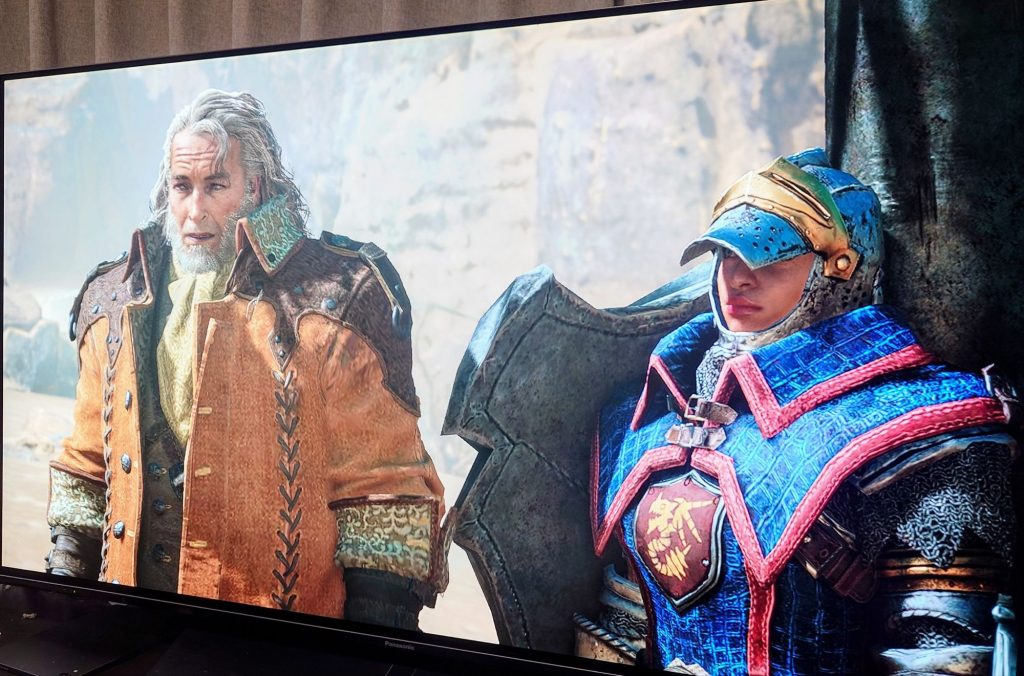
Ahead of the upcoming Switch 2 release, a "Free Play Version" has been dropped, letting players try out the opening section of the main game. Since there was also a Steam version for PC, I decided to give it a spin.

The Biggest Improvement Since Last Time: It's Lightweight!
During the previous beta test, the game was in an abysmal state—monsters turned into triangle polygons, and the game barely functioned at all. It honestly made me suspect Capcom's technical regression due to a generational handover. However, the free play version released this time is so vastly improved that it feels like a completely different beast.
During the last benchmark, I had checked things out on the "Medium" preset, but this time I jumped right in without checking any previous settings. When the game launched, it defaulted to "Lowest," and before I could fix the graphics settings, the story just started rolling. Looking at the screen, it was so grainy and ugly that I immediately rushed to change the settings to "Low." I played via Steam Link on my smartphone for a while, but thanks to the natural dither effect from the streaming compression, I didn't notice the roughness at all back then.
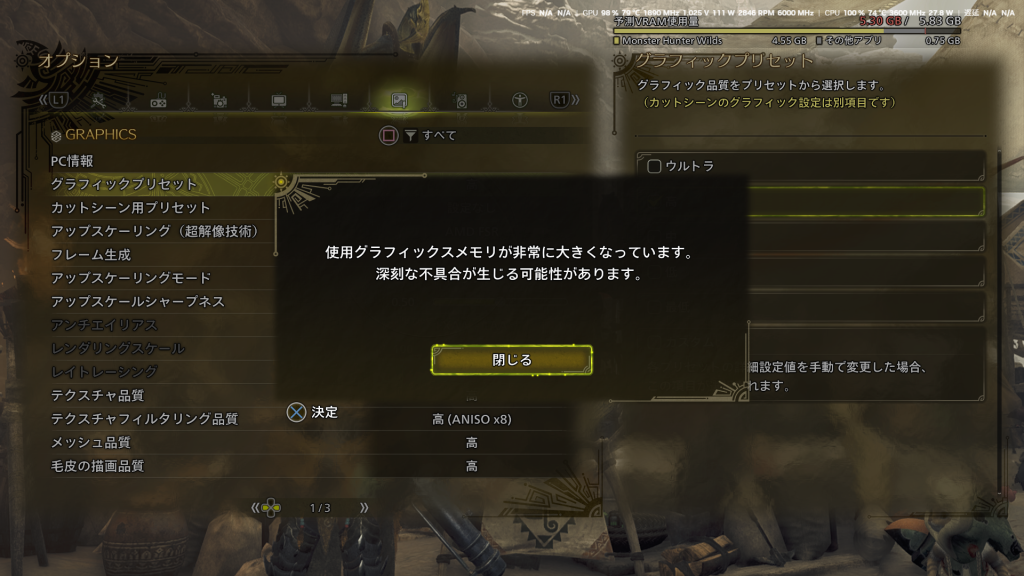
Afterward, I decided to tinker with various settings on my PC monitor. When I finally bumped the preset to "High," the system threw a warning saying memory was right on the edge, but in reality, it ran smoothly without any stuttering. Even in heavy scenes where two monsters appeared on the field simultaneously, everything handled it with zero issues. Kudos to Capcom for doing a fantastic job on optimization, making it totally playable on a GTX 1660 Ti at "High" settings.
Test PC Environment (Specs)
- Chassis:Fujitsu ESPRIMO D588
- CPU:Intel Core i3-8700
- GPU:GTX 1660 Ti
- Memory:16GB
- SSD:Western Digital 512GB M.2 NVMe (PCIe 3.0) *Upgraded from the SATA 256GB drive that got completely filled up by Street Fighter 6
Because I Was Playing on Smartphone via Steam Link, Even 'Low' Settings Didn't Feel Too Grainy
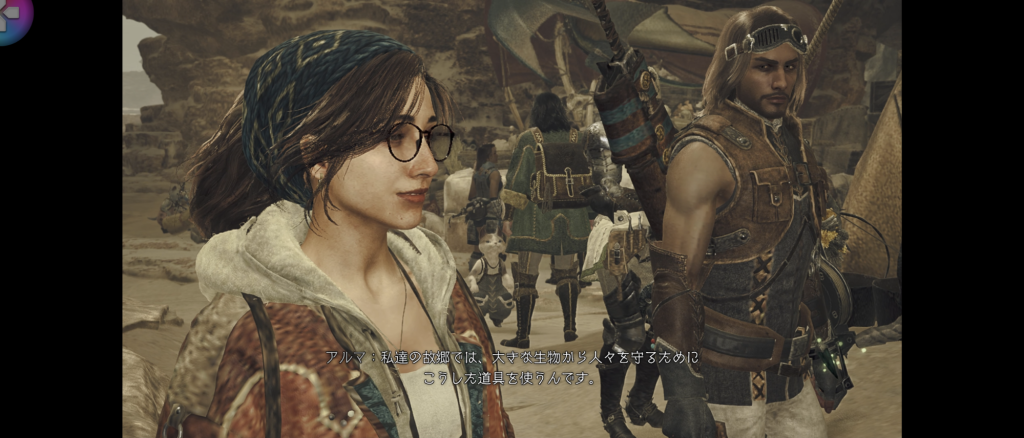
Here is a screenshot of the smartphone running via Steam Link on the Low graphics preset. Alma's textures look a bit rough, but honestly, the textures didn't bother me much. The hair polygons are what bugged me the most, but the image looks pretty clean when viewed through Steam Link.
When playing remotely via Steam Link on my phone, it surprisingly didn't bother me that much. Along with the smaller screen size, the video compression during streaming acts as an exquisite filter, hiding the roughness.
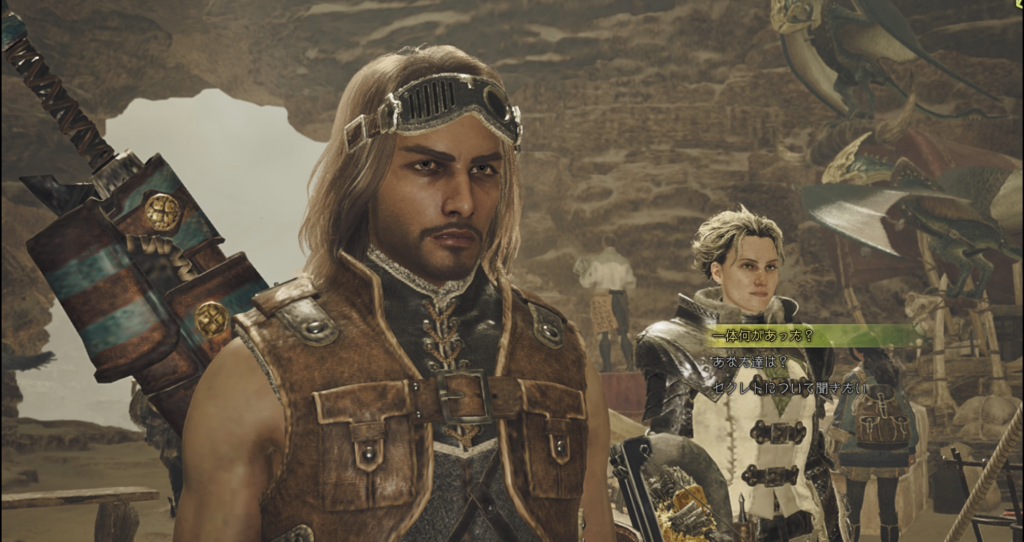
A Steam Link screenshot. Even my hair looks silky smooth.
And this is the "Low" setting viewed directly on the PC monitor—super grainy and messy.
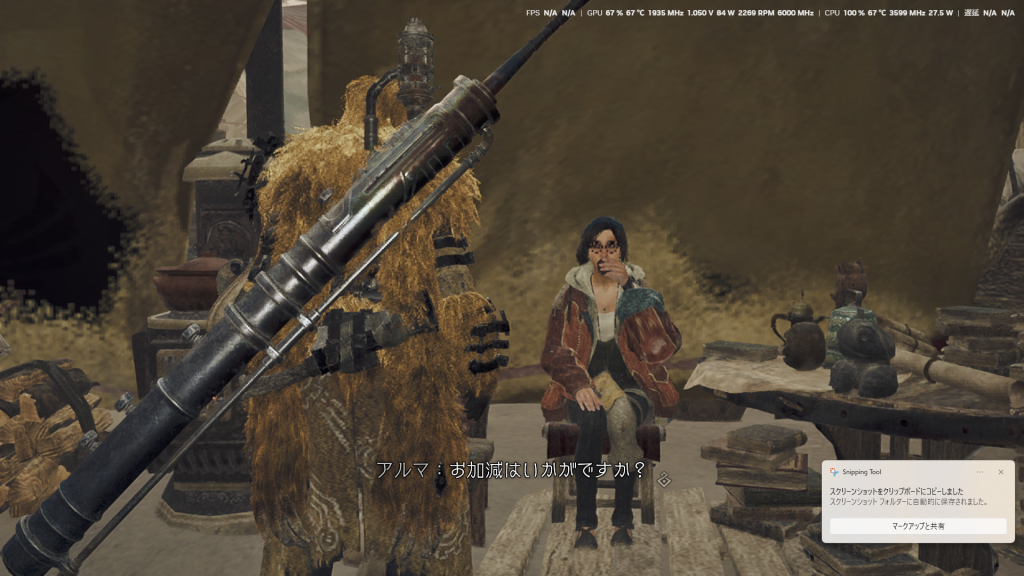
Moving on to PC monitor footage. On the "Low" setting, it's painfully obvious when things are in motion—Alma's glasses look all busted and jagged.
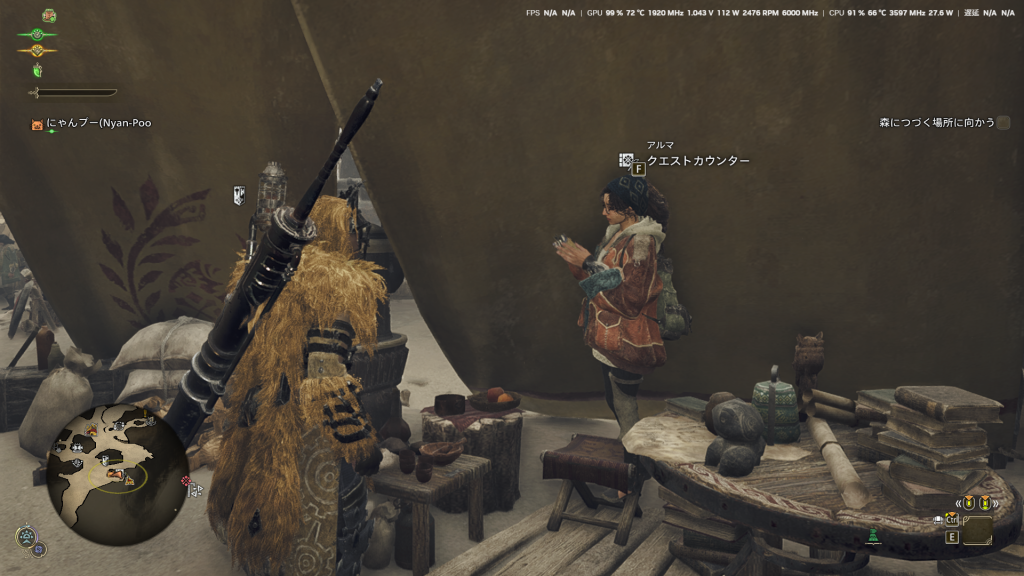
And this one is with the graphics preset set to High.
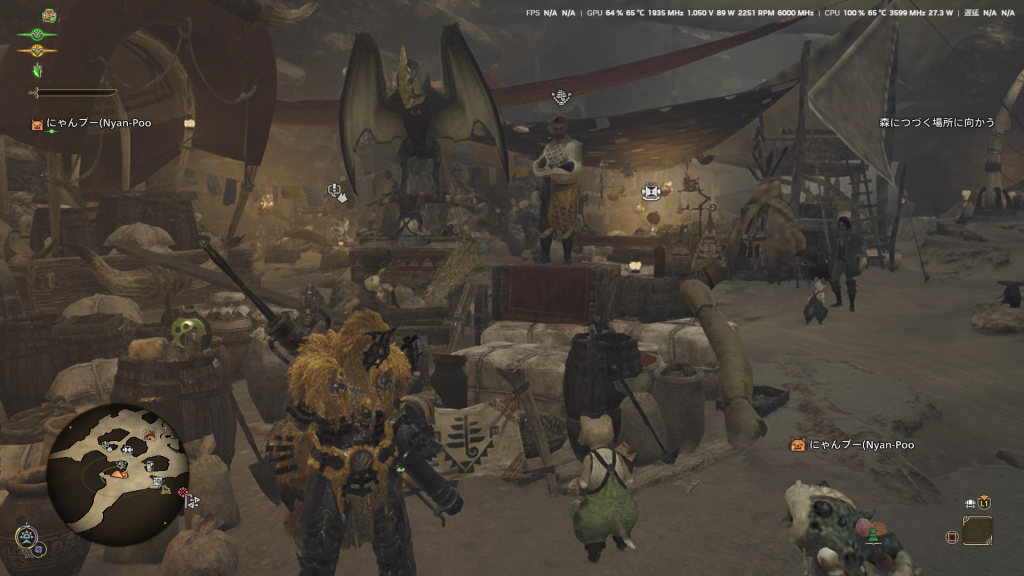
This image is on Low.
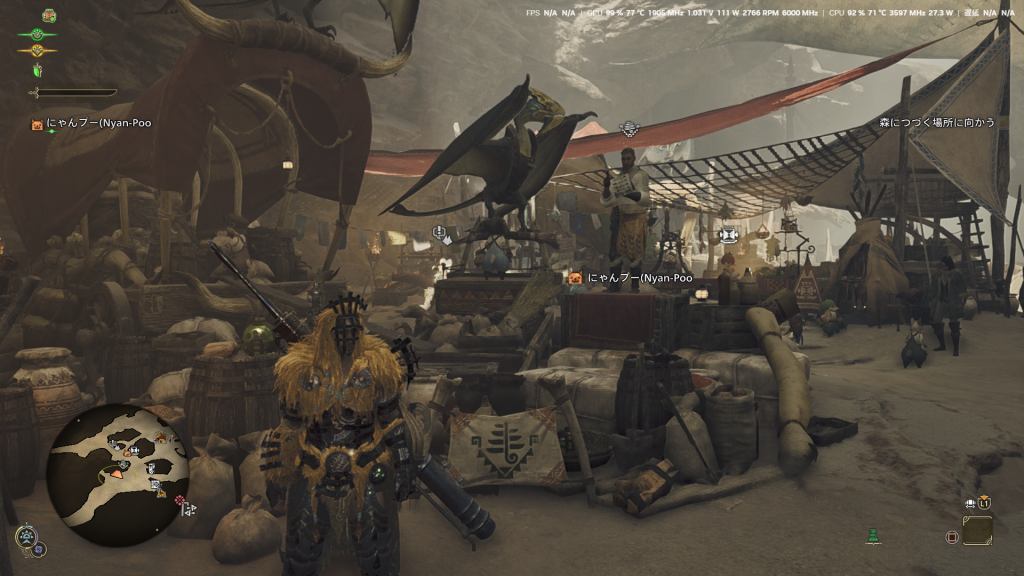
This one is on High. Notice the difference in the main character's messy hair. Also, the overhead net a bit further ahead looks totally different.
Are VRAM Meter Warnings Just 'False Alarms' That We Can Safely Ignore?
When you crank the settings up to "High," a pop-up warning from the system reads, "Memory is running very low." However, actual GPU usage peaks at around 96%, leaving some breathing room in both GPU processing power and available memory. This alert is simply the game trying to preemptively reserve the maximum possible capacity just in case, so if you just ignore the warning and push through... it works with zero problems so far. Even with two monsters on screen at once, performance didn't break down and it kept running smoothly.
How Is This Possible? The Trick Lies in the "Switch 2" Version Development
Why does a GTX 1660 Ti—supposedly near its limit—manage the overall "High" settings this comfortably? The reason is likely because internal lightweighting and asset optimization for multi-platform deployment, keeping the next-gen Switch (Switch 2) in mind, were thoroughly implemented from the very beginning.
Besides, even if it's an older-generation mid-range card, part of me thought, "There's no way a desktop PC's GTX 1660 Ti is going to look worse than the upcoming Switch 2 version." After the disaster of the last beta test, it seems some veteran developers stepped in and whipped the optimization into shape.
Conclusion: Planning to Hunt on the Switch 2 Version with My Son
Thanks to the universal "High" setting, it's now crystal clear that you can play comfortably on a 1660 Ti setup without compromising on visual beauty. There's no need to blindly follow general internet consensus and lower your graphics quality. Since my GPU still seems to have some headroom, I might try bumping up the settings even further. Am I getting old, though? I honestly can't tell the difference between 60 FPS and 30 FPS anymore. Maybe I should drop it to 30 FPS and make it look even prettier?
By the way,here is an image from the Switch 2. It looks gorgeous. That's the outfit from the World era on the right side. I wonder what kind of settings are being used?